01
All your servers, one tap away
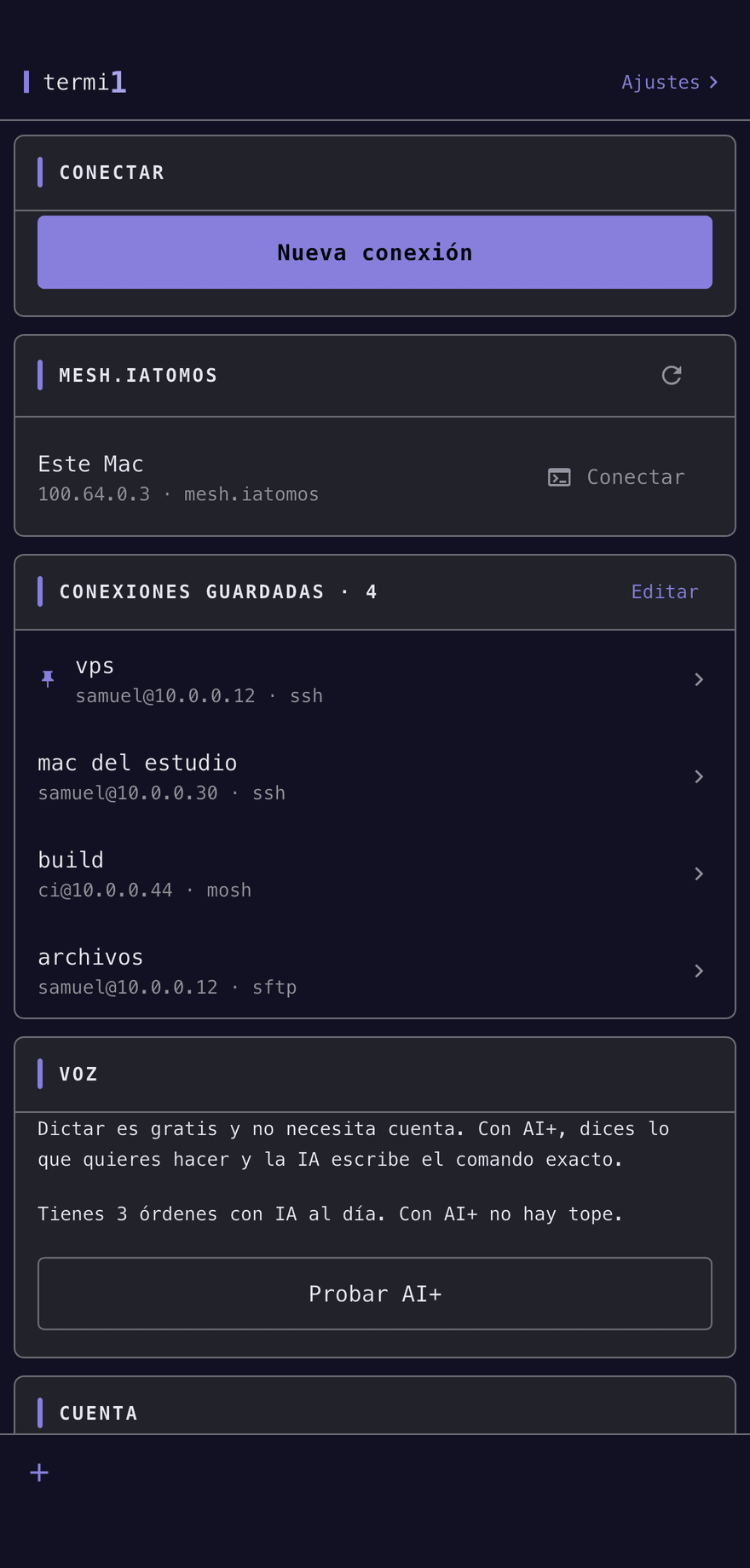
Save the connections you use, pin the usual ones, and connect without typing them again. With an account they follow you across devices; without one they stay here — and the app works the same either way.
SSH · Mosh · SFTP
An SSH, Mosh and SFTP terminal for your phone. Tell it what you want done and it writes the command for you.
Free. The full terminal, no account, no limits.
01
Save the connections you use, pin the usual ones, and connect without typing them again. With an account they follow you across devices; without one they stay here — and the app works the same either way.
02
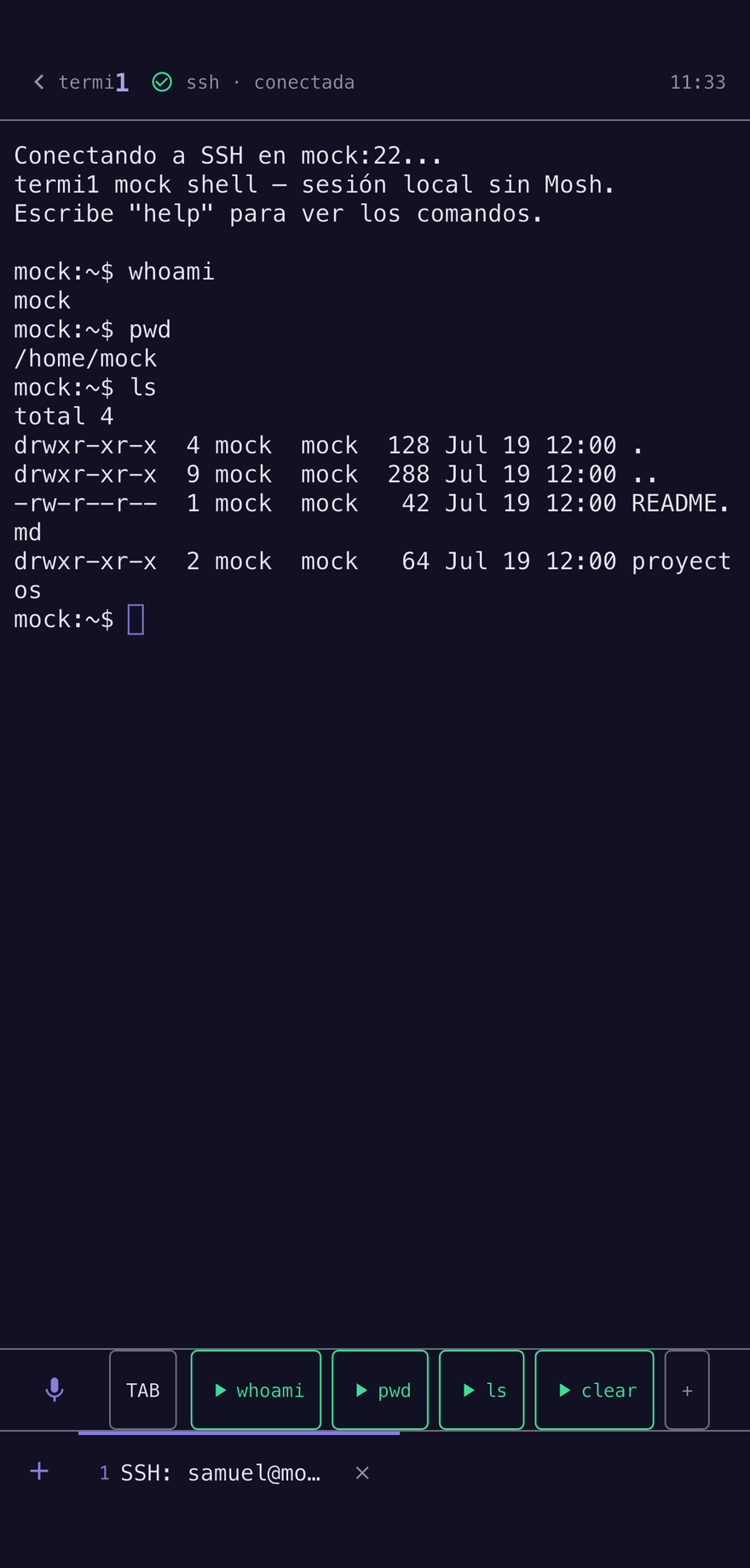
Colors, control keys, scrolling, and the key row the system keyboard hides. Mosh keeps the session alive when you switch from Wi‑Fi to data or the subway eats your signal. And built-in SFTP: browse, upload and download files without leaving the session or switching apps. If Claude Code, Codex or Gemini CLI is running on a server, this is where you follow and steer it from your phone: the session holds, and Production Guard watches what it runs in production.
03
“Show me nginx logs live” becomes journalctl -u nginx -f. “Kill claude and open agy” becomes pkill -f claude && agy. The command is written at the terminal prompt, not in a dialog you accept without reading: you see it before anything happens, and you choose what runs on its own and what waits for your Enter.
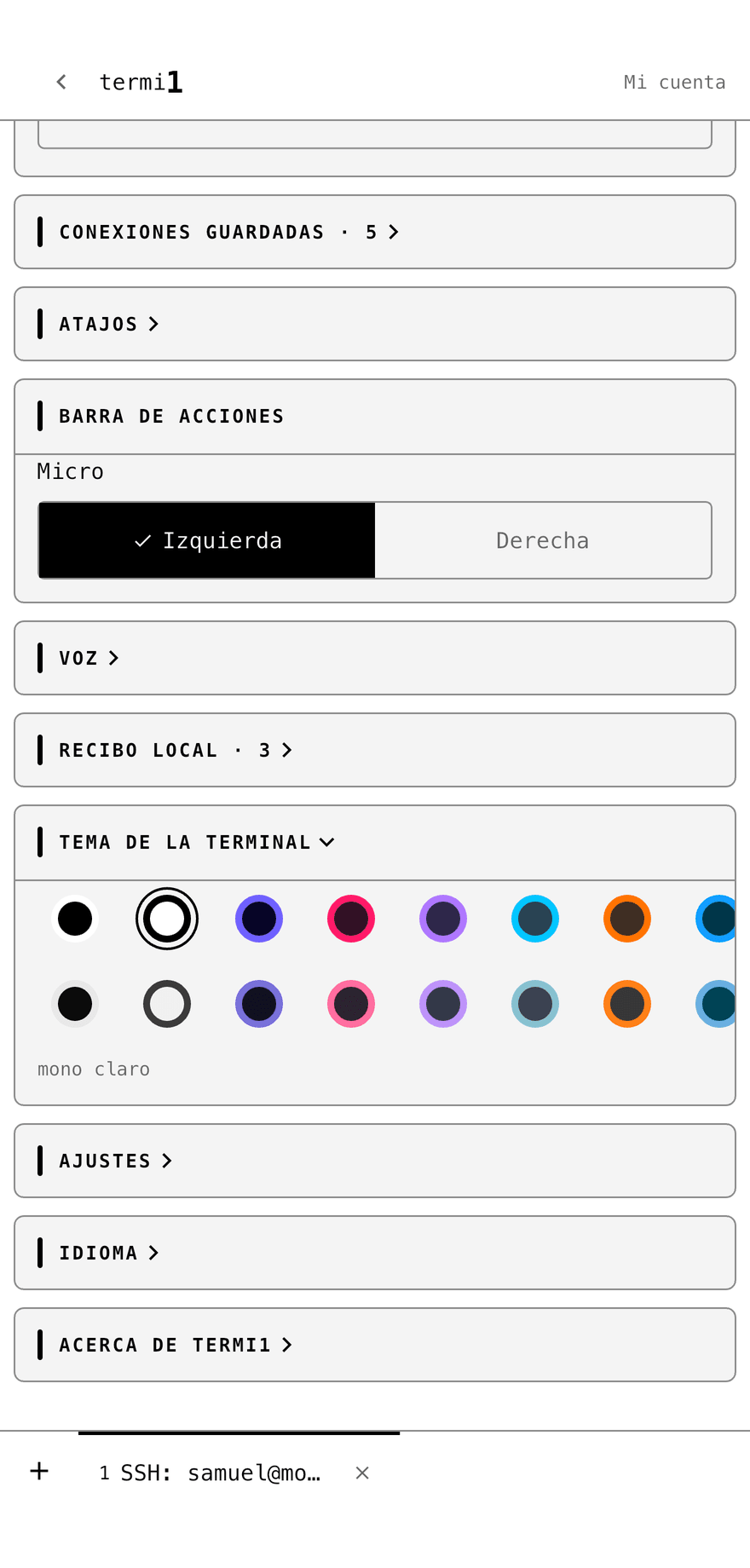
From the first saved server to the last shortcut, without leaving the app.
termi1 Companion lives in the Mac's menu bar. It checks what is needed — Remote Login, mosh-server, tmux — pairs the iPhone with a six-digit code that installs your key with nothing to copy or paste, and tells you when that long thing you left running has finished.
macOS 14 or later · signed and notarised by Apple · free
It never opens the session or sees your keys: it turns what you say into a command and writes it at your prompt. You choose between always reviewing it and automating only what termi1 recognizes as safe; Safe auto is enabled by default.
Review
The command is written at the prompt without pressing Enter for you.
Safe autodefault
Only commands in a limited set that termi1 recognizes as safe receive Enter automatically.
Only commands recognized as safe can receive Enter automatically. Everything else requires an action from you or is blocked.
Every connection carries the label you give it: personal, staging or production. termi1 never guesses it from the server name. In production the assistant gets strict:
It protects what termi1 writes for you: voice, AI and shortcuts. What you type by hand goes straight to the server, like in any terminal.
And your SSH keys never leave the phone: you can generate them here, they live in the system's secure store behind device unlock, and only the public half travels to the server.
AI+ free until 31 October 2026, with a founder badge and a permanent discount once it starts being charged for. Fifty AI commands a month, renewed.
After that: €2.99/month or €19.99/year. Without AI+ the terminal is still free and complete, with three AI commands a day when you sign in with Apple or Google.
Discover the essential SSH commands to manage remote servers from iOS and Android using Termi1, featuring an engineered mobile keyboard, Mosh, and AI tools.
Learn how to turn your iOS or Android device into a complete DevOps workstation with SSH, Mosh, SFTP, and Termi1 AI features.
Discover how Termi1's specialized terminal keyboard and integrated AI tools redefine mobile SSH and Mosh server administration on iOS and Android.